 KoalaSpeak
Why do so many learners still feel shy about speaking?
Most of us learn English with our eyes: reading, grammar exercises, copying new words. Then, when it is time to speak, the words do not come fast enough, and native speakers sound too quick. Listening and speaking only improve when you hear a lot and speak a lot, a little every day.
The hard part is having someone to practise with. Classes run on a timetable, tutors cost money, and talking to yourself gets no reply. A speaking app on your phone fixes exactly that: open it and someone is ready to talk, on the bus, at lunch or before bed.
Listen a lot, speak a lot, a few minutes a day. The most effective way to build speaking skills is also the simplest.
What is KoalaSpeak?
KoalaSpeak: Learn English is a voice-first English practice app from Melipy AI Labs in Brisbane, Australia. You chat with a koala friend, listen to short stories, act out everyday situations and review vocabulary with games.
What makes it different: conversation AI, speech recognition and speech generation all run on your phone once you have downloaded the data. What you say is processed on the device, and you can keep practising where the signal is weak or there is no Wi‑Fi.
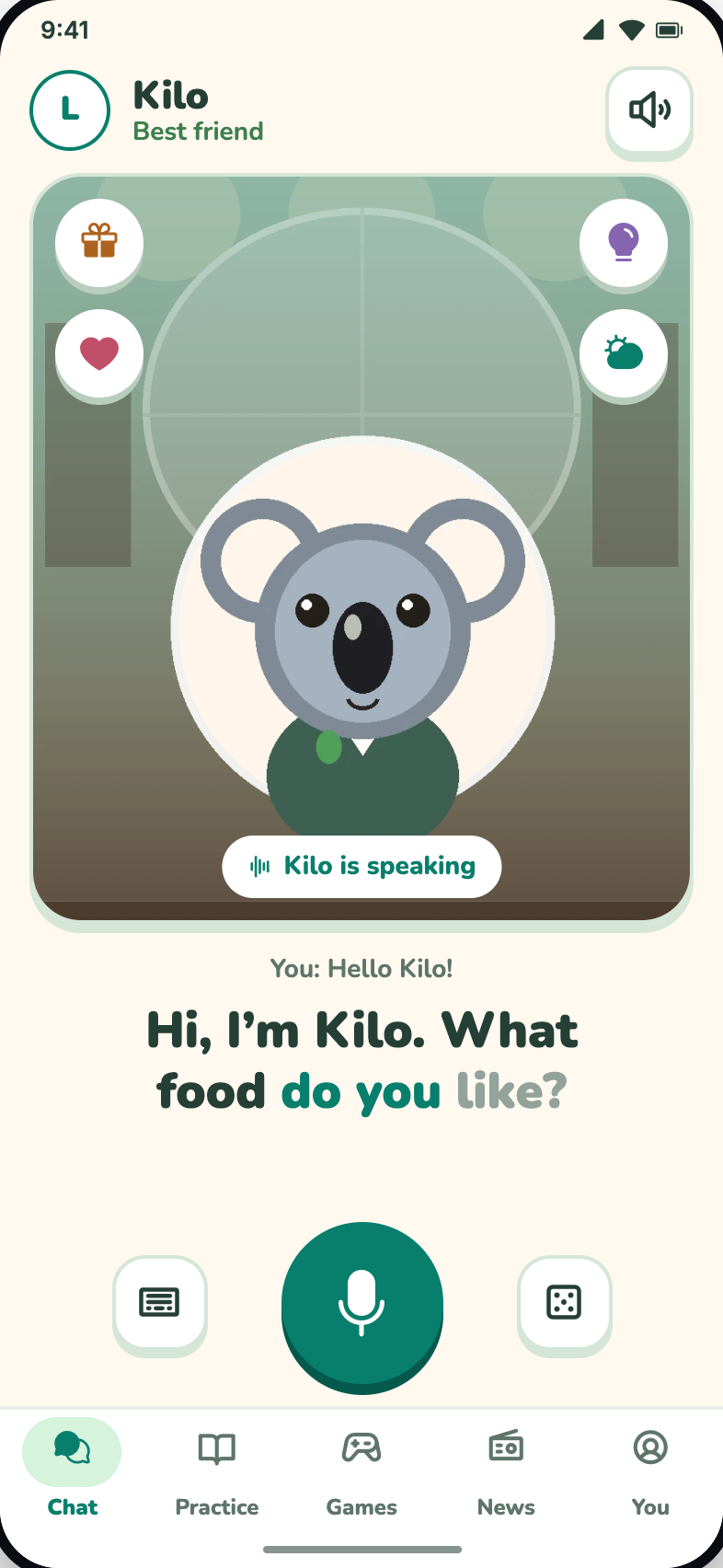
- Speak and get a reply Tap the mic and talk. Your koala friend answers out loud, with subtitles that highlight each word as it is spoken.
- No connection needed to practise Download the voice and AI data once over Wi‑Fi. Then chat, listen to stories and play games on the device.
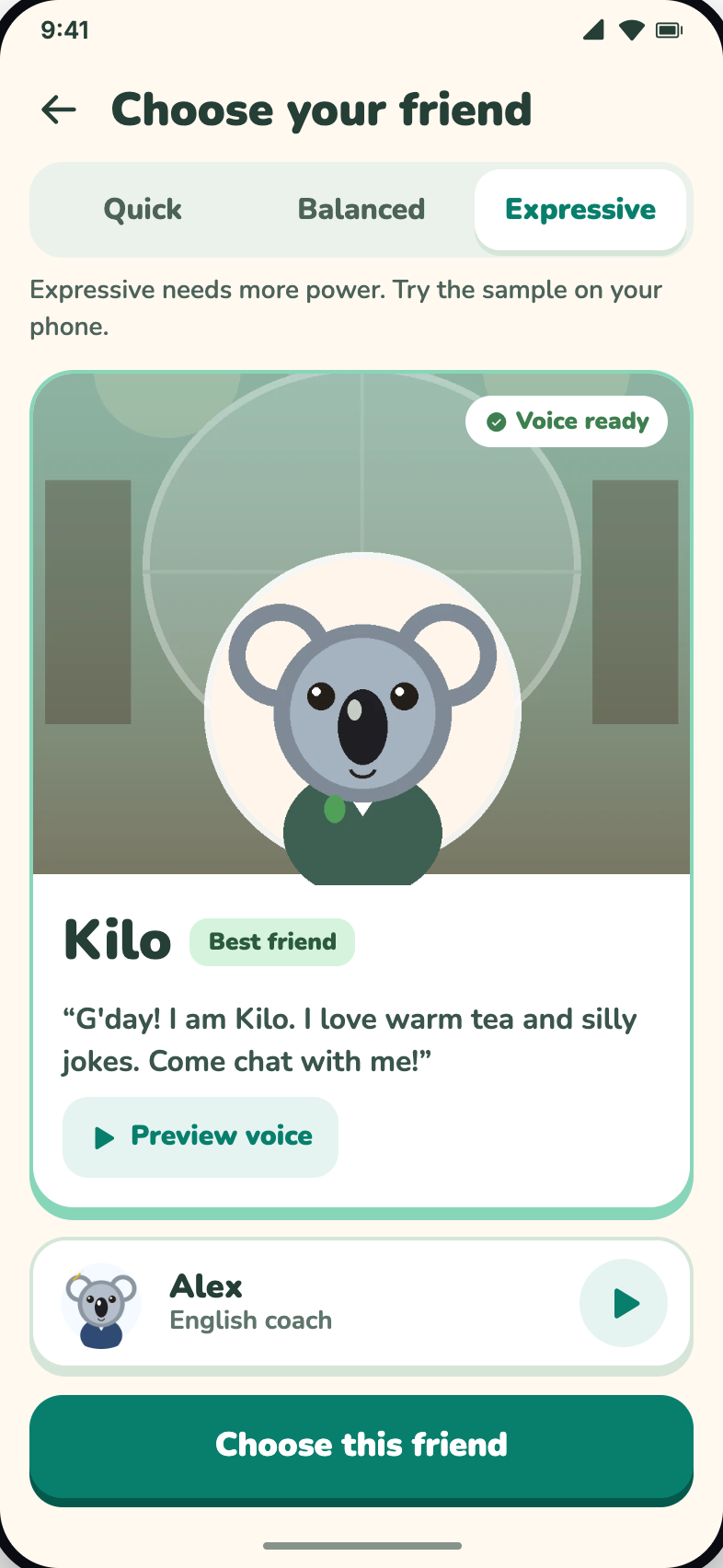
- Natural voices Pick the voice style that suits your phone: Quick, Balanced or Expressive. Replay as often as you like.
- Free Every conversation, story, roleplay and game is open. The app shows ads; a one-time purchase removes them.
How to practise speaking and listening with KoalaSpeak
1. Talk out loud with your koala friend
Kilo is a cheerful best friend who loves warm tea and silly jokes. Ask anything and Kilo replies in simple English that matches your level. Not ready to speak yet? Type instead, then listen to Kilo's answer and repeat it.
Want closer help with pronunciation and grammar? Choose Alex, the English coach, who corrects you gently.
2. Stories, roleplays and repeat-after-me
Practice holds short stories, roleplays and listen-and-speak exercises. Order a drink at a café, ask for directions, go shopping: sentences you will really use. Each activity shows its level in plain words, with CEFR (A1, A2, B1…) alongside.
-
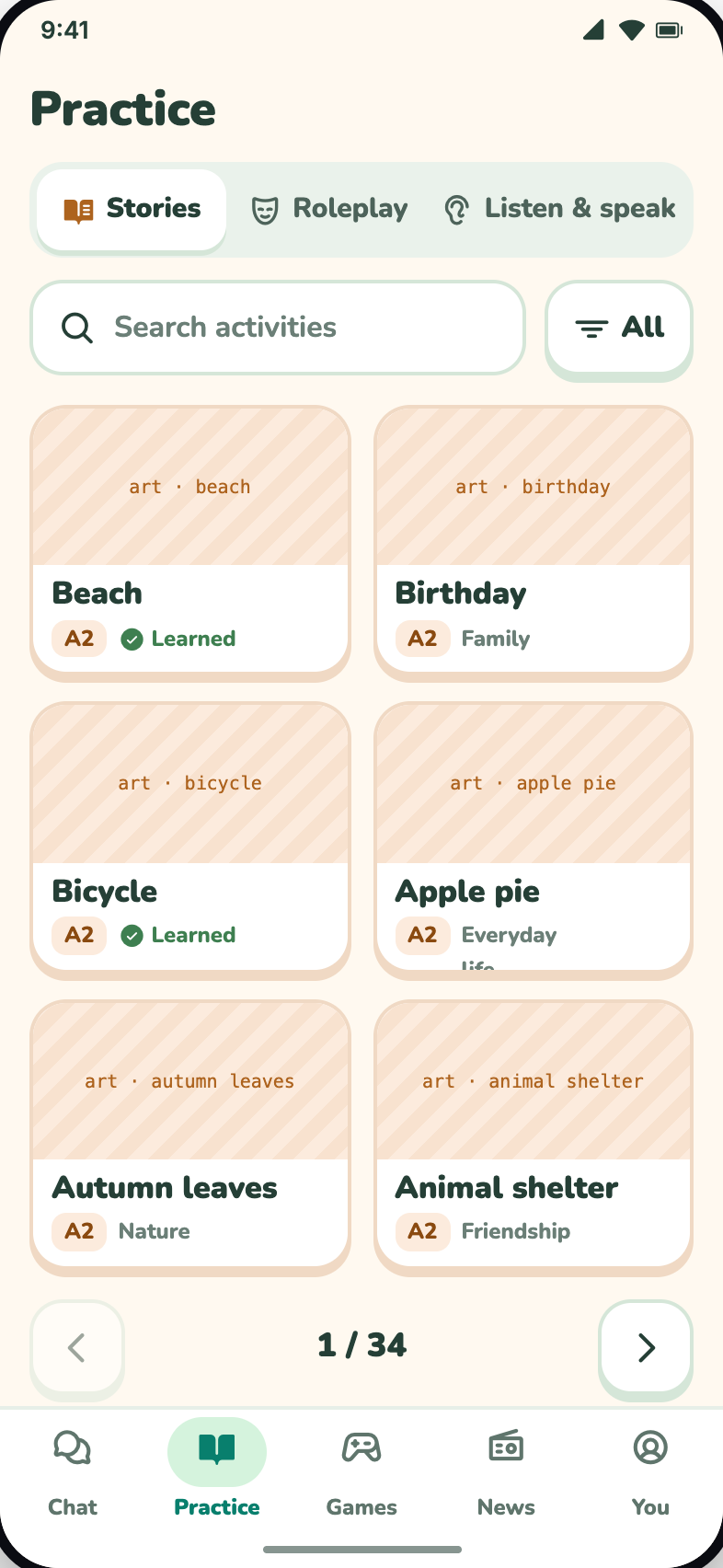
Stories, roleplays, listening -
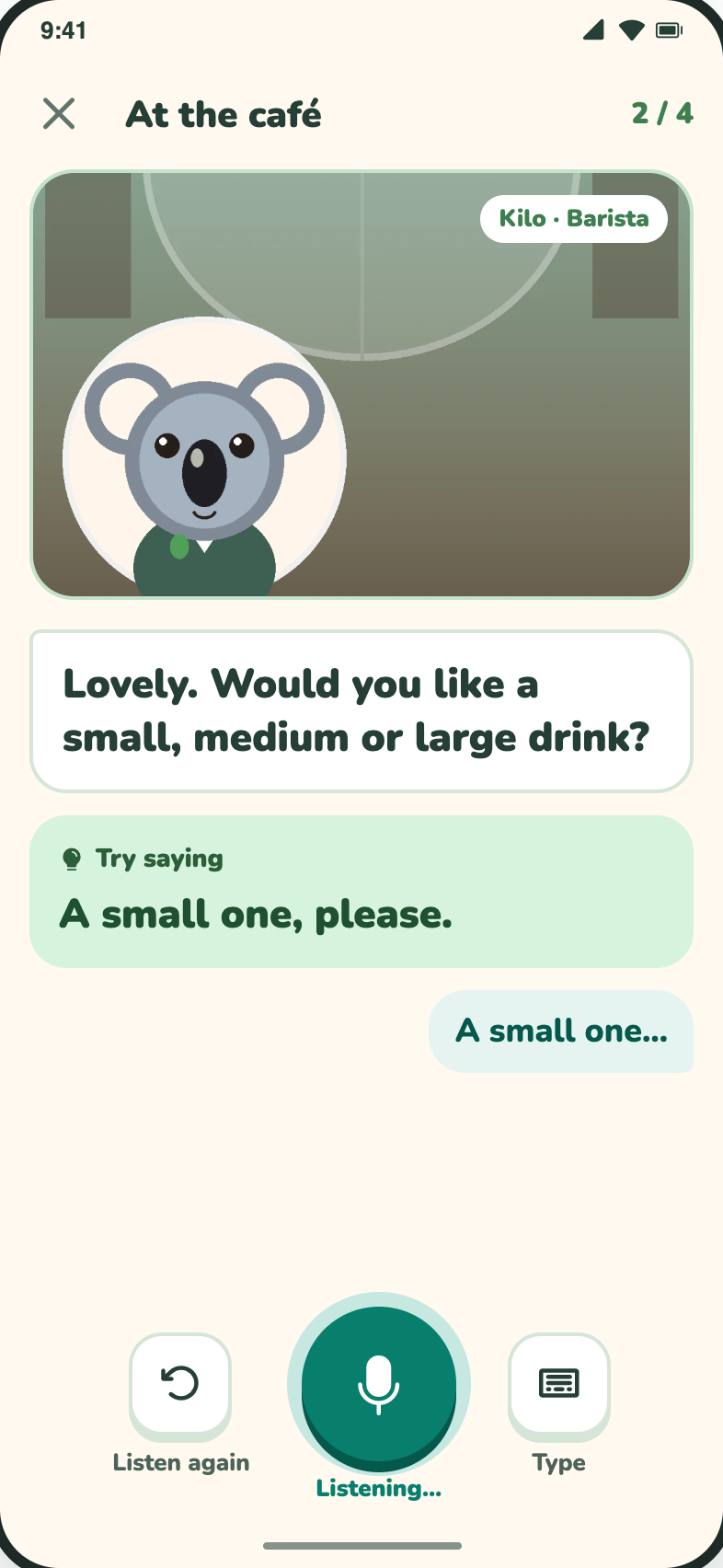
Roleplay: at the café -
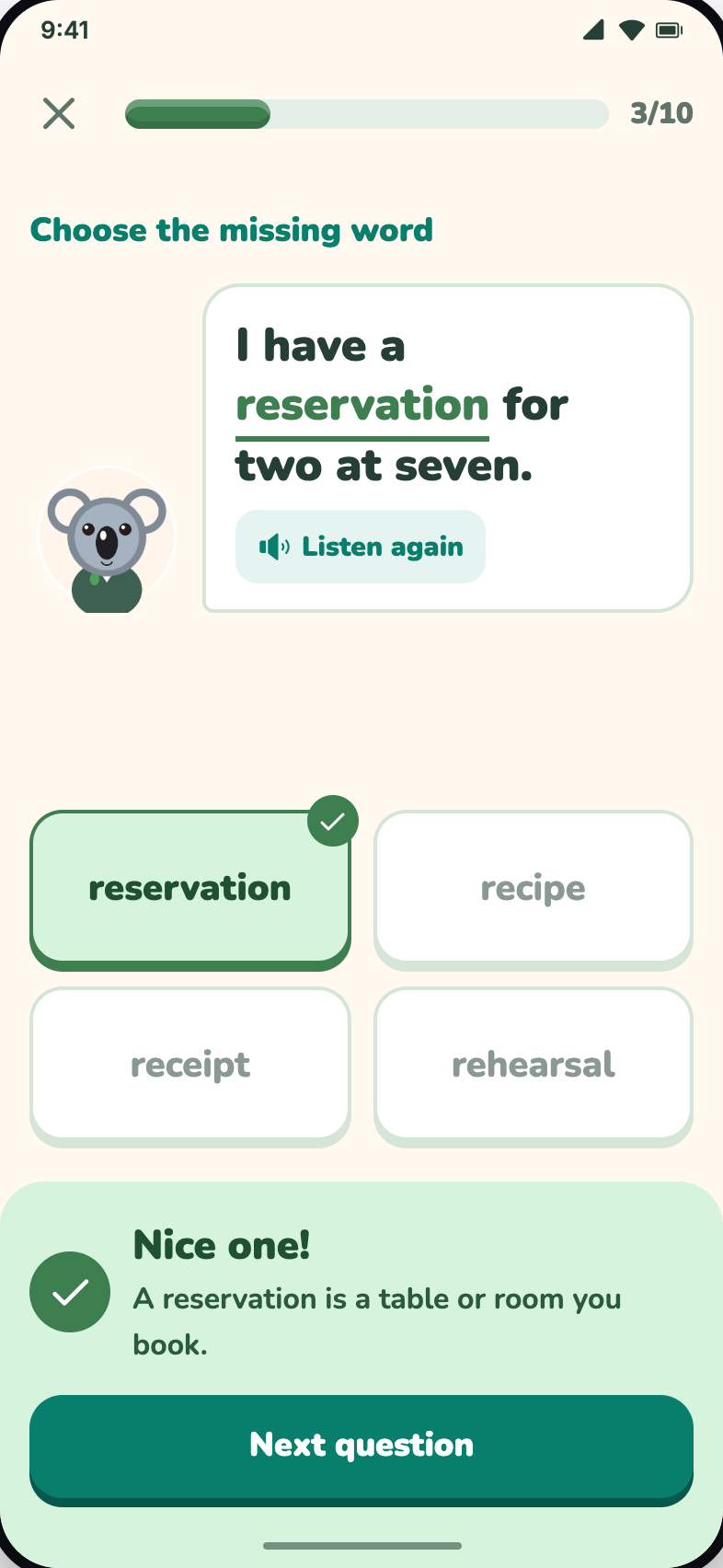
Words in context
3. Play games to remember words
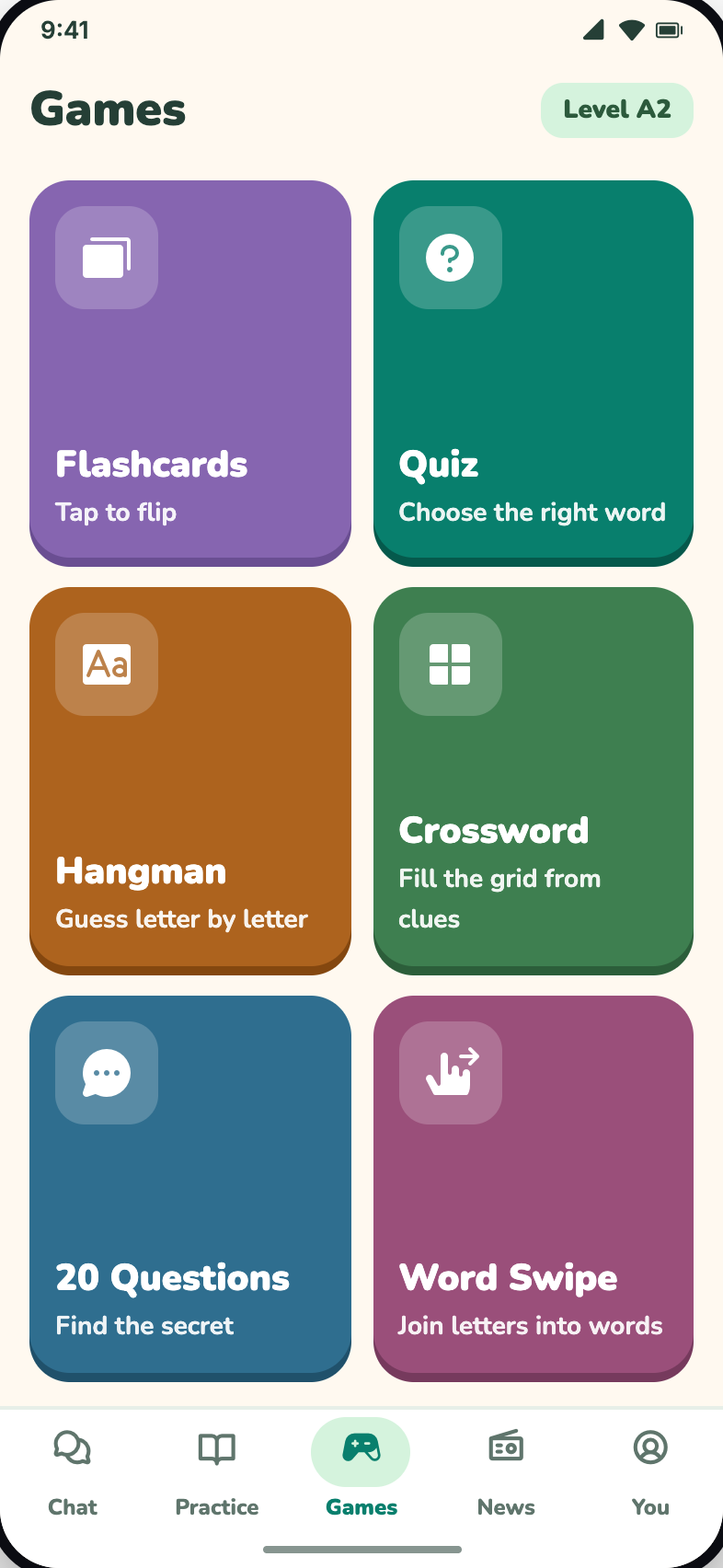
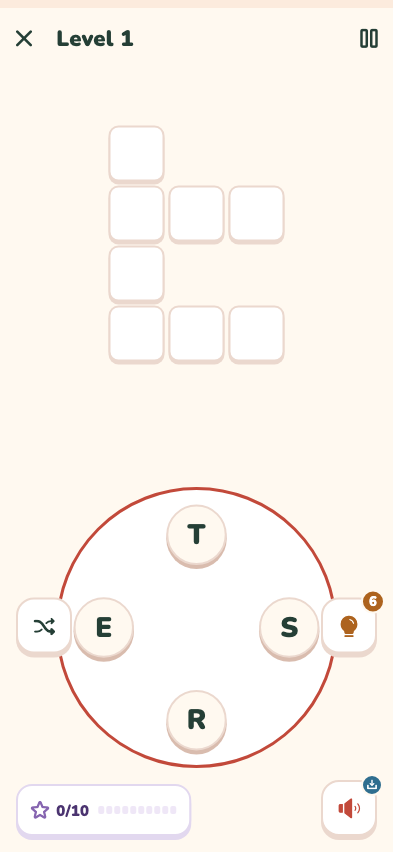
Six games, Flashcards, Quiz, Hangman, Crossword, 20 Questions and Word Swipe, help new words stick. More in 6 English vocabulary games in KoalaSpeak.
4. A little every day
Each day brings three small quests: chat with your koala friend plus two other activities. Finish all three to grow your streak. A few minutes every day beats a few hours once a week.
What does "offline" mean here?
We want to be clear, so there are no surprises:
- First time: download data over Wi‑FiAfter installing, choose a friend and a voice style, then download the voice and AI data. The app shows the size before it starts.
- After that: practise on the deviceConversation, speech recognition, spoken replies, stories, roleplays and games run on your phone with no connection.
- A few features need the internetNews radio, weather, ads and in-app purchases need a connection. Speed and available voices depend on your phone.
KoalaSpeak uses AI to create practice, which may contain mistakes. It is a learning companion, not a substitute for a qualified teacher or an official language assessment.
The whole family on one phone
Each person gets a profile with separate progress and history, with no online account. Adult profiles and some characters are protected by a parental PIN. The interface comes in several languages; the practice itself is always English.
Want to focus on vocabulary? Have a look at Vocab Builder and the word-puzzle game Vocab Wonders, KoalaSpeak's sibling apps.
Frequently asked questions
Is KoalaSpeak free?
Yes. You can download it and use every conversation, story, roleplay and game for free. The app shows ads; a one-time purchase removes them if you prefer.
Do I need the internet to practise?
Only for the first data download. After that, AI conversation, listening and speaking run on your phone. News, weather, ads and purchases need the internet.
Is KoalaSpeak on iPhone?
KoalaSpeak is on Google Play for Android today. The iPhone version comes to the App Store when it is ready; links will appear on the download page.
What level do I need?
Beginners and up. Activities describe their level in plain words with CEFR alongside, and your koala friend speaks simple English that matches you.
Is my voice sent to the internet?
Speech recognition runs on your phone after the data download. For details, see the privacy policy.