English practice app
Your little English adventure starts here.
Talk, listen, and play with your koala friend.
News, weather and the first data download need an internet connection.

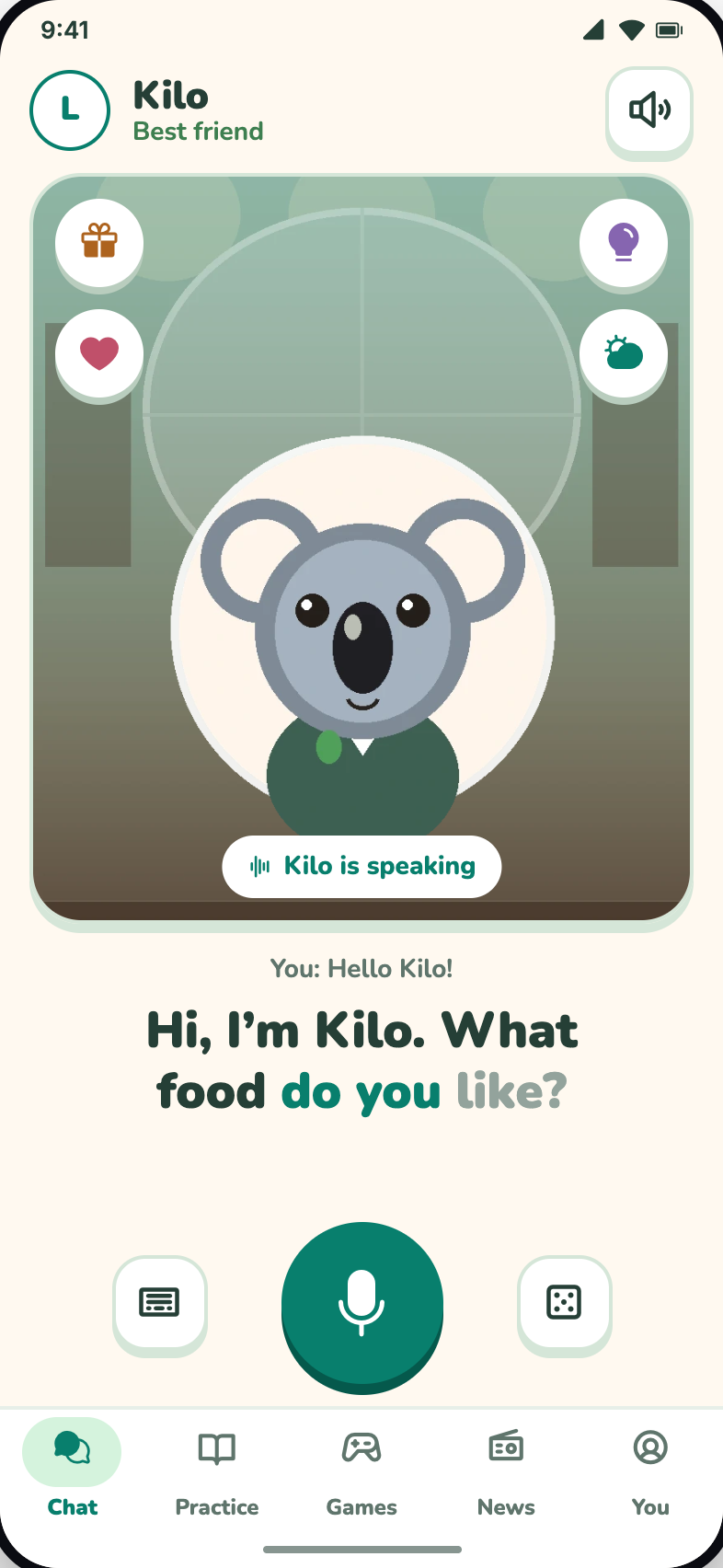
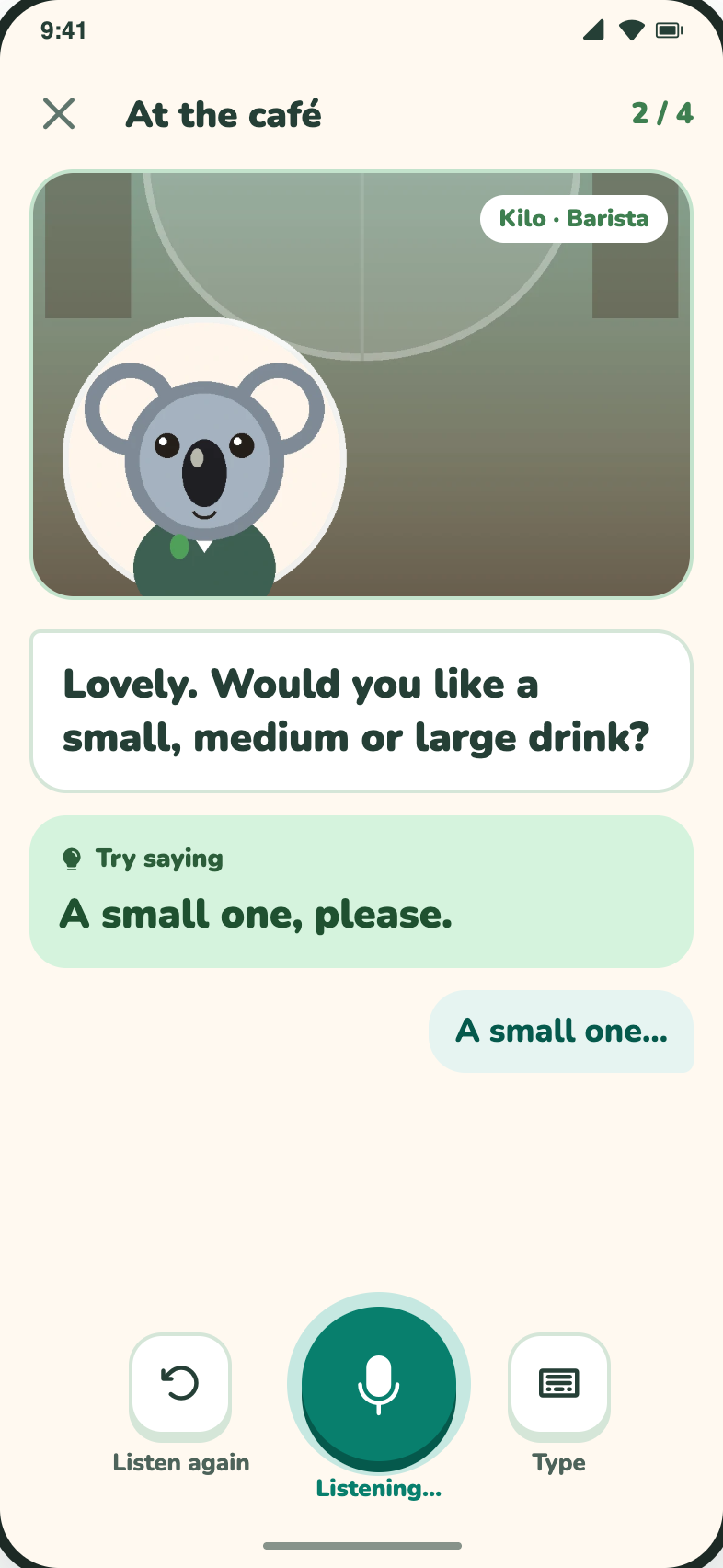
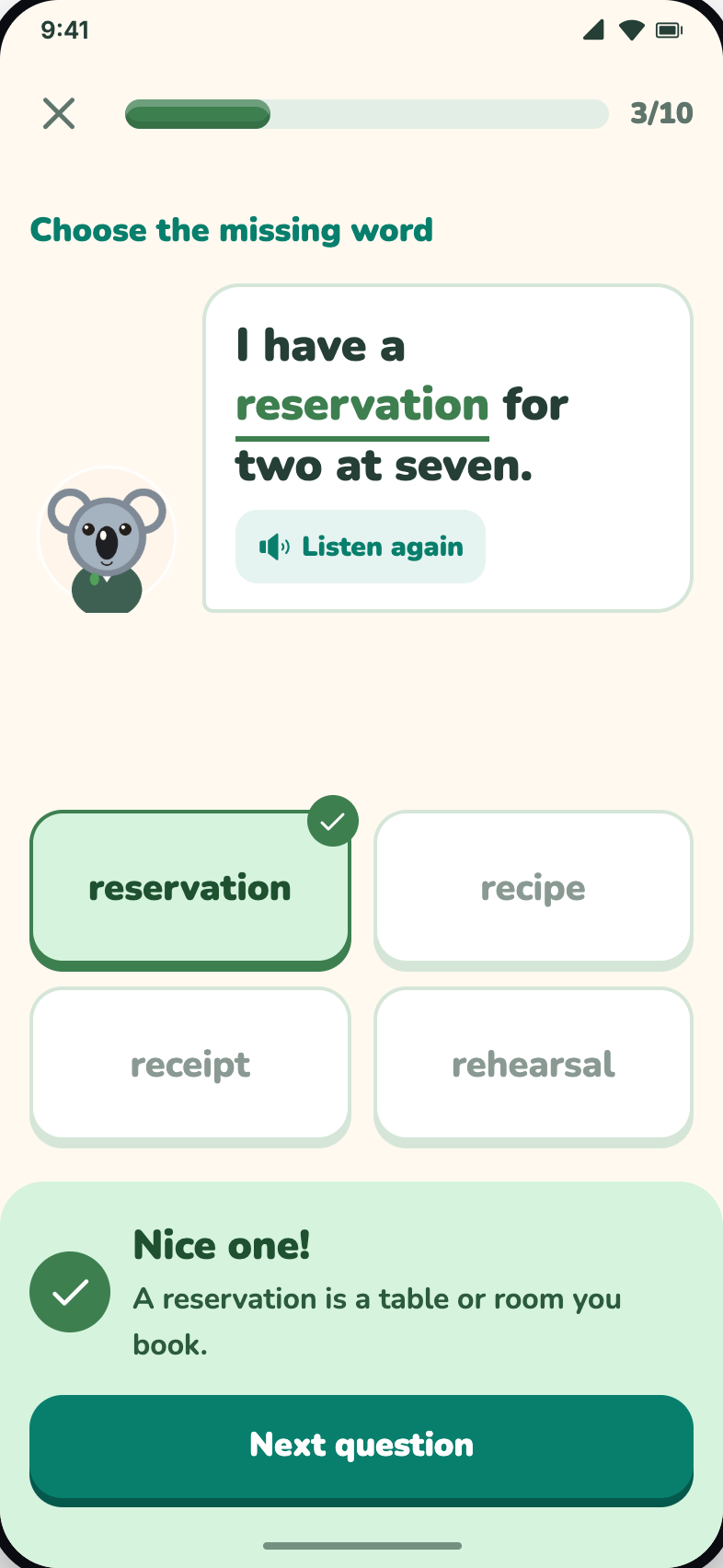
Press play to watch a short demo.
Subtitles on · never plays by itself
Start in three steps
- 1 Choose a friend Pick who you want to talk to and try their voice.
- 2 Download the data A one-time download for that friend. Wi‑Fi recommended.
- 3 Start practising Chat, hear a story or play a game.
Pick a friend to talk to
Every friend is a koala with their own voice and personality. Kilo is a cheerful best friend; Alex is an English coach.
Meet the friends KiloBest friend
 AlexEnglish coach
Talks on your phone
Listening, replying and speaking happen on the device once the voice data is downloaded.
Memory is off by default
Turn on “Remember me between conversations” if you want it. Clear history any time.
A profile for each person
Everyone gets their own progress and history on the phone. Adult profiles are protected with a parental PIN.
Questions
Does KoalaSpeak work offline?
Chat, practice and games run on your phone after the voice and language data has been downloaded. News radio, weather and downloads need an internet connection.
Why does the app download data?
The voices and the language model live on your phone. The app downloads them once per voice and shows the size before starting. Wi‑Fi recommended.
Does Kilo remember me?
Memory between conversations is off by default. You can turn it on in Settings → Memory and clear all conversation history there.